Post-processing Style
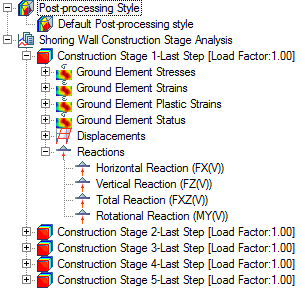
- Various options for expressing the currently used post-processing graphics can be saved in the Results Tree and retrieved to check other result data.
- Using the ’r;Add’ menu in the context menu, save various settings for graphics currently used.
- Double click a Post-processing Style of interest on the WorksTree to apply the saved style.
Applicable Modules:
|
Tunnel |
Slope |
Soft Ground |
Foundation |
Seepage |
Dynamic |


