Shell
Remove the internal space of selected solid body(3D) which results in a solid made up of a shell with a uniform thickness.
▒ Call
|
|

▒ Detail Description
|
< Mini Toolbar > |
|
|
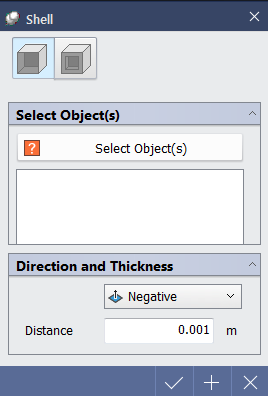
< Shell Dialog >
|
Select Object(s) |
|
Selectable Objects - When Piercing Face is selected : Face of solid body(3D) - When Vacant Solid is selected : Solid body(3D) |
|
|
Piercing Face, Vacant Solid |
|
|
|
|
|
Direction and Thickness |
|
|
|
|

 : Select object to create shell
 (Piercing Face)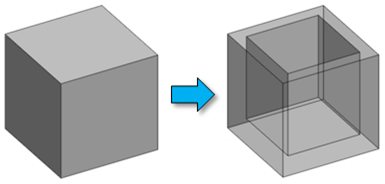

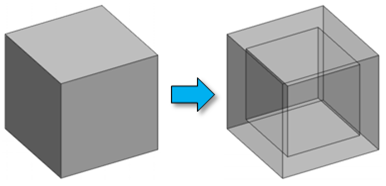


|
|
