Project Information
Enter information for Project Title, Sub-Title, User Name, Client Name, Date of Work, etc.
Applicable Modules:
|
Ground |
Slope |
Soft Ground |
Foundation |
Seepage |
Dynamic |


From the Main Menu, select Project Settings > Project Information 
From the Command Line, type 'ProjectInformation' or 'PI'
Project Information
The dialog box is invoked on clicking 
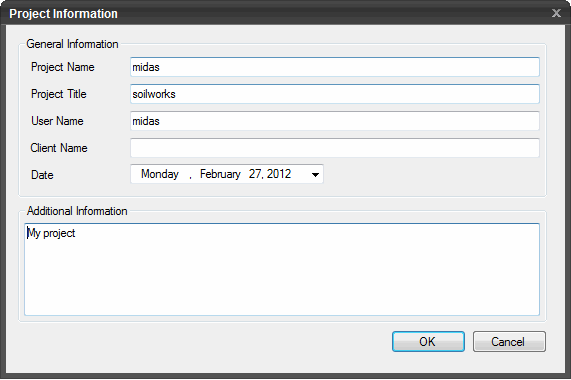
Project Information
General Information
Project Name
Record title of the project.
Project Title
Record a sub-name of the project.
User Name/Client Name
Record the user & client names.
Date
Record the date of work.
Additional Information
Summary information for the project file may be recorded.
Click  to save the information and the dialog box will close automatically. Click Esc on the Keyboard to close the dialog box.