New Section
Add new section. Once defining a new section, GSD adds the section in the Works Tree. In order to add rebars or shapes on a section, the section should be activated in the model view by double-clicking the section name.
From the Main Menu select Model > New Section.
Enter the section name and click  in the Add New Section of the Work Bar.
Click  Add Section in the Icon Menu.
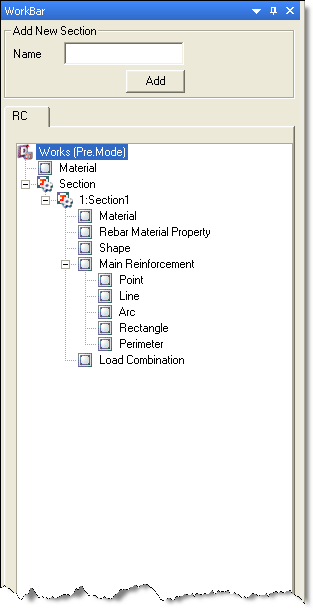
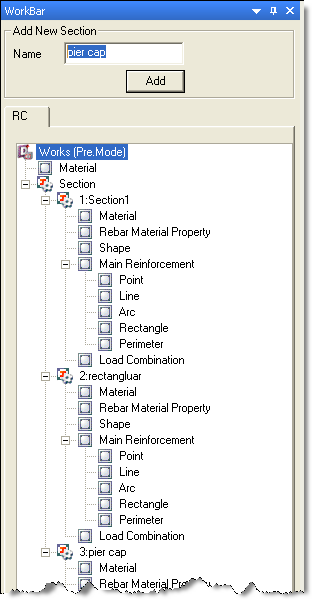
Default Works Tree Works Tree after adding sections
 Name
Name
Enter the name of the section and click .
Double-click the newly added section name in the works tree to show the section in the model view and work on it.
Note
Shapes are the basic entities which combine to make a section.