|

Data used in analysis is classified by mesh sets. Hence, the mesh set needs to be subdivided depending on the analysis case. Generating an empty mesh set, clicking it with the right mouse button and bringing up the Context Menu allows the [Include/Exclude of Elements and Nodes] for each mesh set, as shown below.
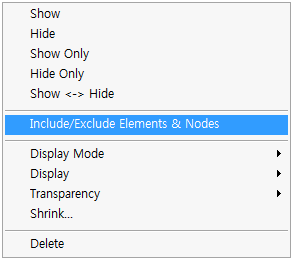 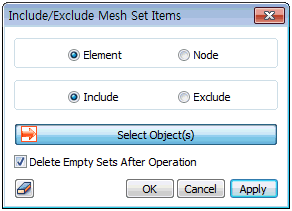
<Include/Exclude Elements/Nodes>
|


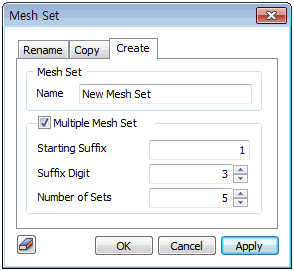
 Create multiple empty mesh sets according to the specified name rule. This function is useful for defining an element in 1 set into multiple sets.