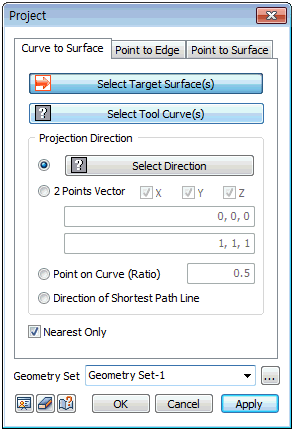
Curve
to Surface
Select
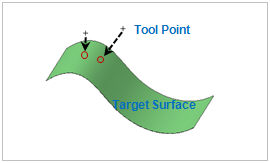
the target surface and tool line for projection.
The
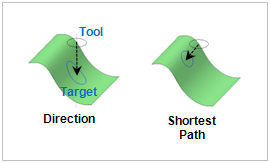
projection direction can be set using the following 4
methods:
1.
[Select direction] : Determine the projection direction
vector. The user can select the datum axis, datum plane,
plane or edge.
2.
[2 point vector] : Determine the direction vector of the
projection axis by entering the coordinates of its Start
and End points. The user can also directly click on the
work screen to specify the Start and End points.
3.
[Point on Curve (Ratio)] : Select a point on the line.
Project the shortest distance direction from the selected
point to target surface.
4.
[Direction of Shortest path Line] : Project in the shortest
distance direction from the tool edge to the target shape. |