Element: Create Gauging Element

Function
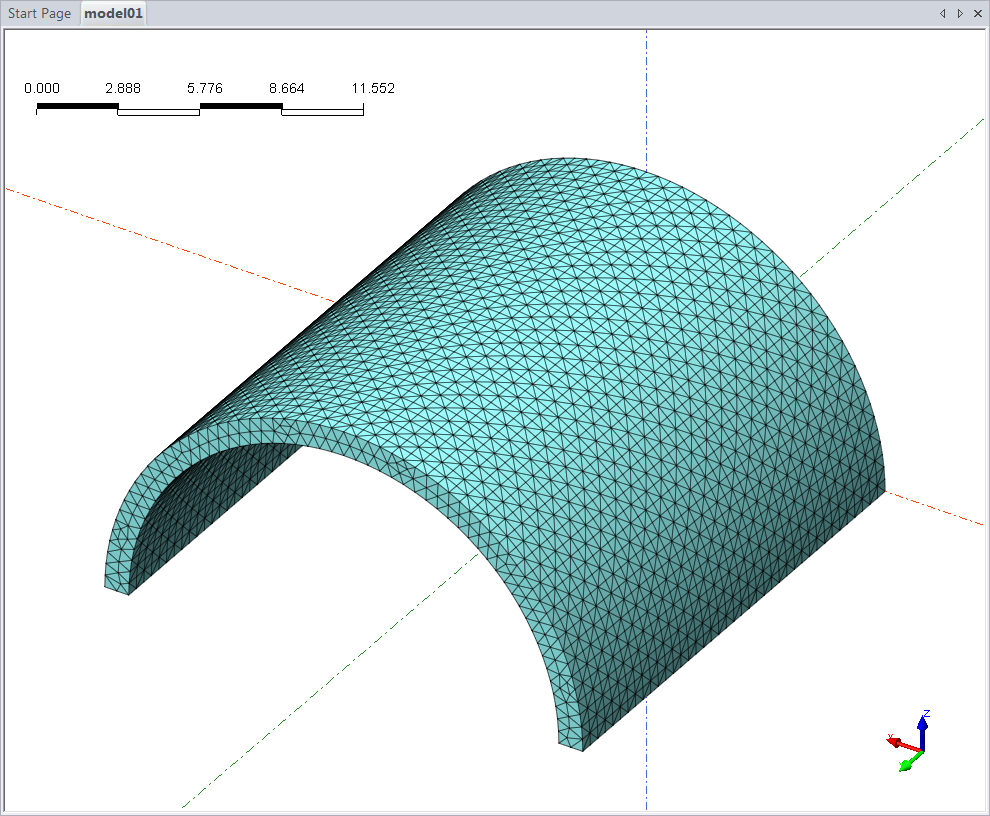
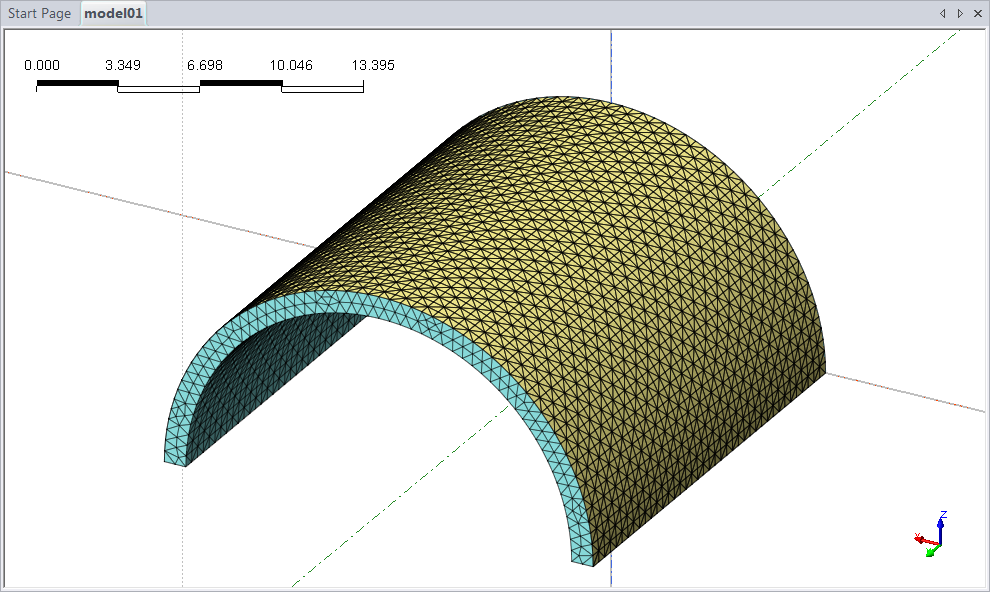
Create Gauging Plate Element(s) easily allows the verification of plate forces, shear forces, and moments of the surface of the thin structure extracted from a solid element (Tetra or Hexa Elements). The use of this element is only possible in a 3D analysis under a nonlinear analysis type.
Call
Model > Element > Create Gauging Element (G)
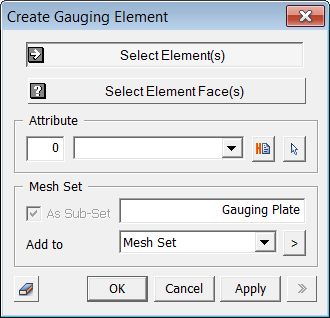
<Create Gauging Element>
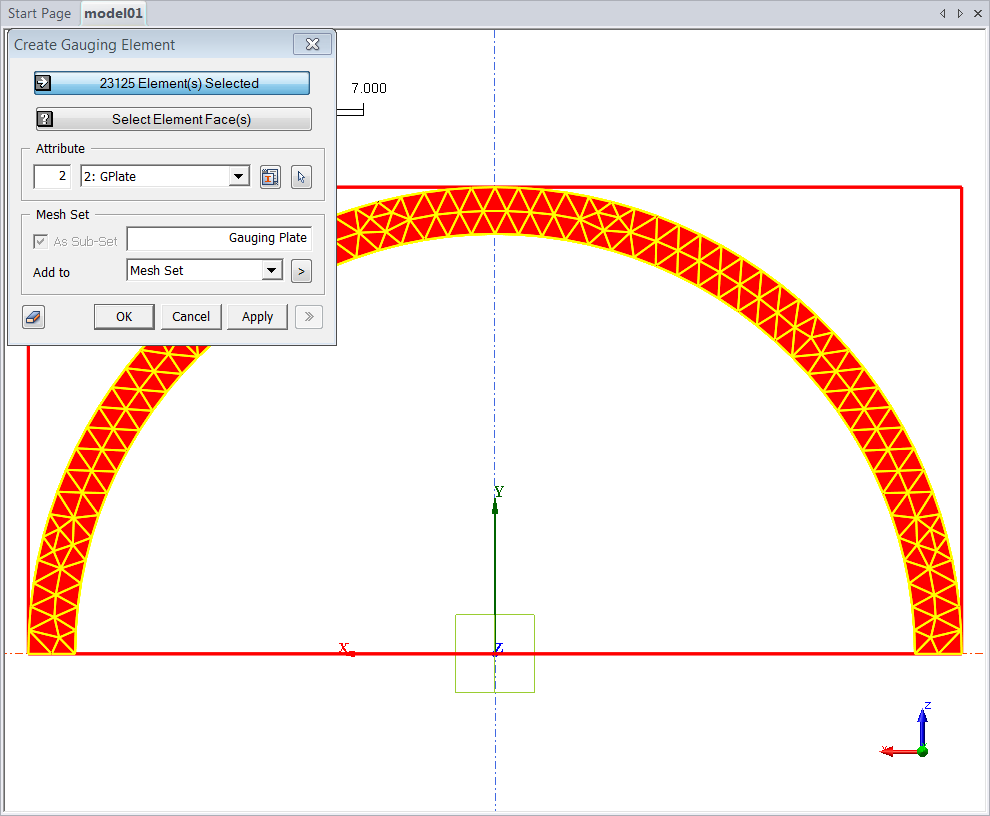
Select Element(s)
Select the 3D meshed solid element that is the basis for creating the gauging element.
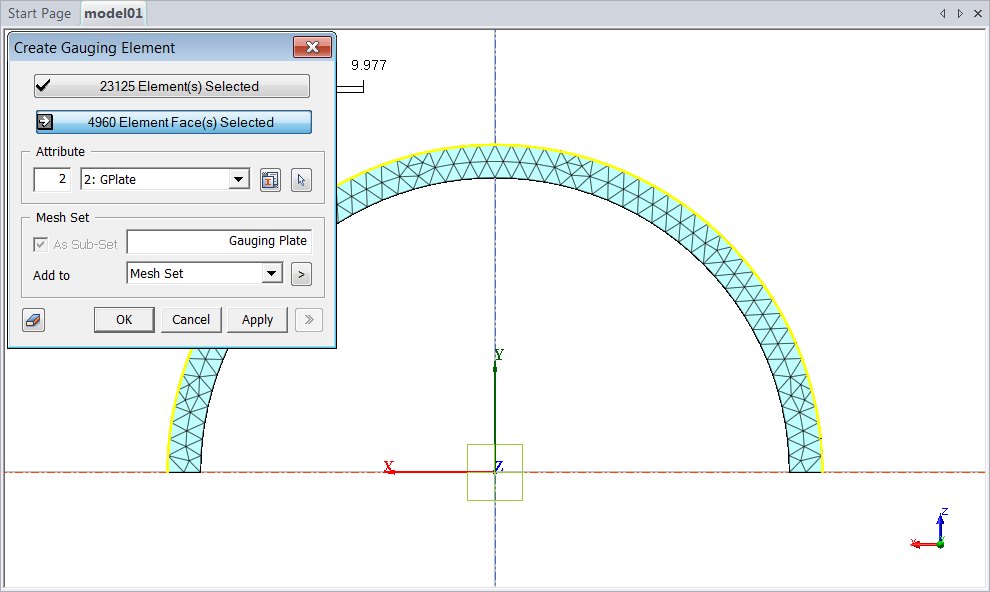
Select Element Face(s)
Select the Element Face to extract the Gauging Plate Element from the selected Solid Element. The Element-Face can be selected for the type selection.
Select and create a coordinate system to verify the stiffness damping coefficient and the results of the Gauging Plate Element.
Configure the Mesh Set that creates the Gauging Element.
Note 1: Deselect the "Auto Constraint of Rotational DOF for Solid etc." option in "General Analysis Control" to produce bending behavior.
Note 2: Define plate coordinate system to obtain proper result distribution. "Model > Coordinate System."