|
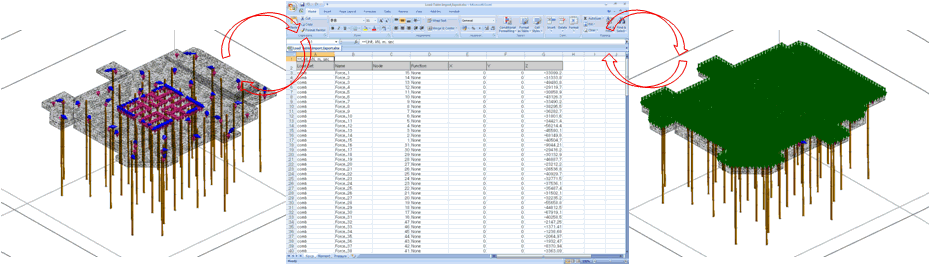
 Define or modify load sets through excel file like the usage of Load Table. Define or modify load sets through excel file like the usage of Load Table.
Users can import the amounts of load sets from excel file and export defined load sets (node/element number, magnitude, and direction) to excel. The sample of table for load sets (LoadTable Sample.xlsx) can be found in the installation folder. (ex. C:\Program Files\MIDAS\GTS NX\Sample)
Force, Moment, Pressure, Prescribed Displacement and Element Beam Load are available to use this function.
Can be useful when users have to manage (input and modify) large numbers of load sets at once.
|