|
 Perform Perform
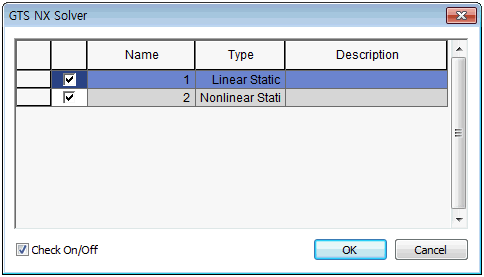
Run the analysis. The check button can be used to perform partial analysis of the case.
 Pre-mode Pre-mode
Switch to the pre-processing mode. <Unlock Icon>
Information of geometry, mesh, loading and boundary conditions etc. are displayed in real time in a tree structure form similar to that of Microsoft Windows Explorer. A pop-up menu provides various control functions for object select and modification, show/hide etc.
 Post-mode Post-mode
Switch to the post-processing mode. <Lock Icon>
After the analysis has successfully finished, the program automatically loads the analysis results and the verifiable results are displayed in a tree structure form. The user can perform various functions such as graph output, table output, save post-processing graphic state etc.
When performing additional work on geometric shapes or meshes, the user needs to switch back to the [Pre-processing mode] and reanalyze after the work has finished.
|



