|
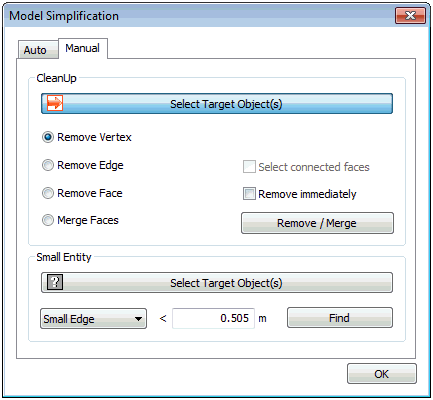
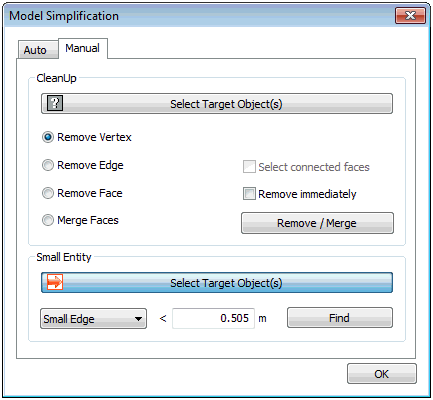
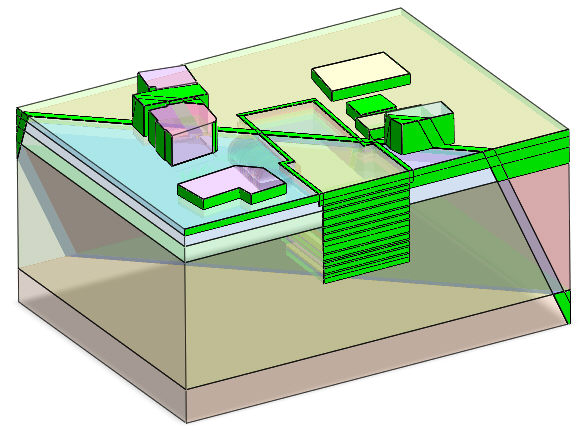
Select infinitesimal line or face shapes manually to delete them from the specified geometry, or automatically figure out the total number and positions of the infinitesimal faces on the solid, with reference to the will-be created element size by entering the infinitesimal length directly. Input the infinitesimal area and press the Find button to highlight faces that are smaller than the input value, as shown in the figure below.
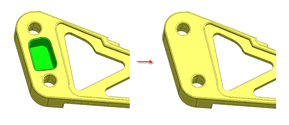
It can also delete the sub-shapes of the solid and stretch the adjacent shapes to fit automatically. For example, deleting a small hole on the solid creates a solid that automatically fills the deleted hole. Selecting a particular face (sub-shape) of a solid cannot maintain the solid shape and so, it is not automatically deleted. In this case, the specified solid needs to be decomposed into faces.
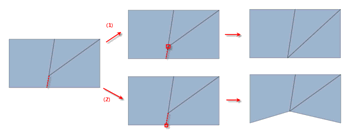
ü Remove Vertex : Remove the shortest edge of ones which are connected to the selected vertex
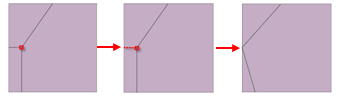
ü Remove Edge : Remove selected edge and corresponding vertex at the same time
ü Remove Face : Remove selected face and merge
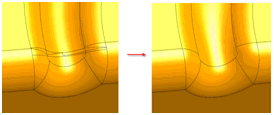
ü Merge Faces : Merge faces with removing selected edge
|


 Infinitesimal lines or faces are main sources of error when creating an element. Unintended infinitesimal faces can be created during repeated divisions or shared surface creation during complex geometry modeling.