|
Coordinates
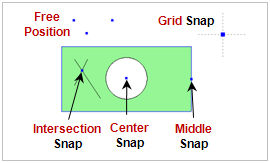
Directly input the node coordinates or select the position on the screen using snap point.
Between 2 nodes
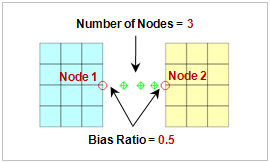
Create an additional node between the 2 selected nodes. Select the number of nodes to create and when creating more than 1 node, adjust the spacing by entering the ratio between the starting space and ending space of nodes,
Center of nodes
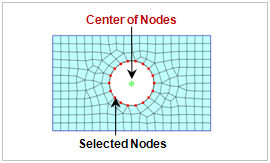
Create an additional node at the center of the shape created by selecting 2 or more nodes.
On curve
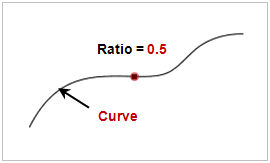
Add a node on the selected curve. The node position can be specified by directly entering its distance from the start or end point, or by entering a ratio between 0~1. The [Reverse Direction] option can be used to reverse the direction of the start point and end point.
Conic center
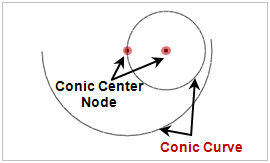
Automatically create a node at the center point of selected arc (circle). The node can also be created by using the snap position for arc centers.
|


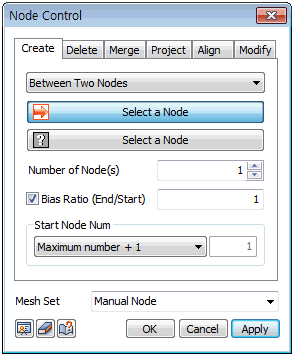
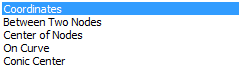
 Add a node in the desired position on the 3D work space. There are a total of 5 node creation methods. The position and number can be freely adjusted depending on the creation method. The additional node number can be set as the minimum non-overlapping and available number or the maximum number+1.